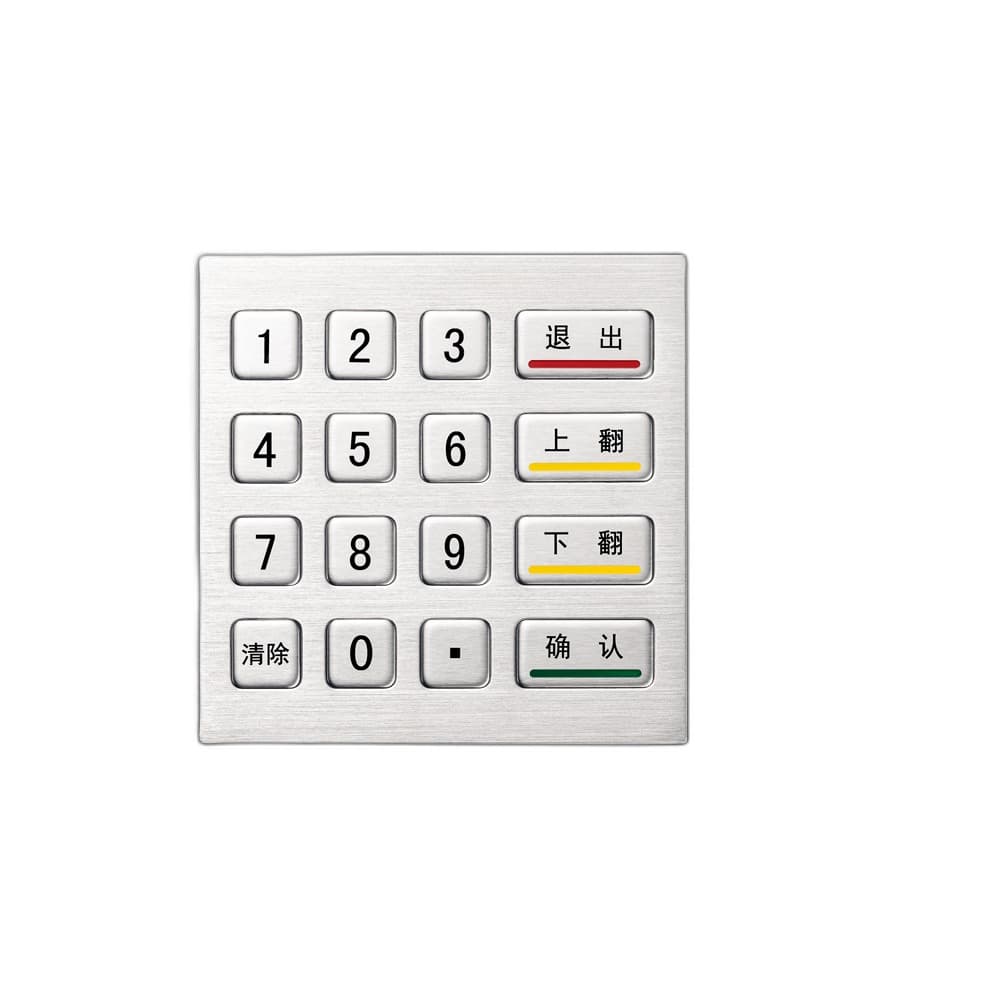
Metal & Stainless Keyboards
Metal keyboard models for kiosk, panel-mount, desktop, washdown, and harsh industrial workstations, with stainless grade confirmed by model.
55 productsIP / NEMA review

Start with the project requirement, then review the relevant product family. Model specifications, evidence status, and quote actions remain category-specific.
PATH 01
Start here when the project needs a rugged keyboard format for kiosks, panels, washdown stations, marine control rooms, or hazardous-area review.
Metal keyboard models for kiosk, panel-mount, desktop, washdown, and harsh industrial workstations, with stainless grade confirmed by model.
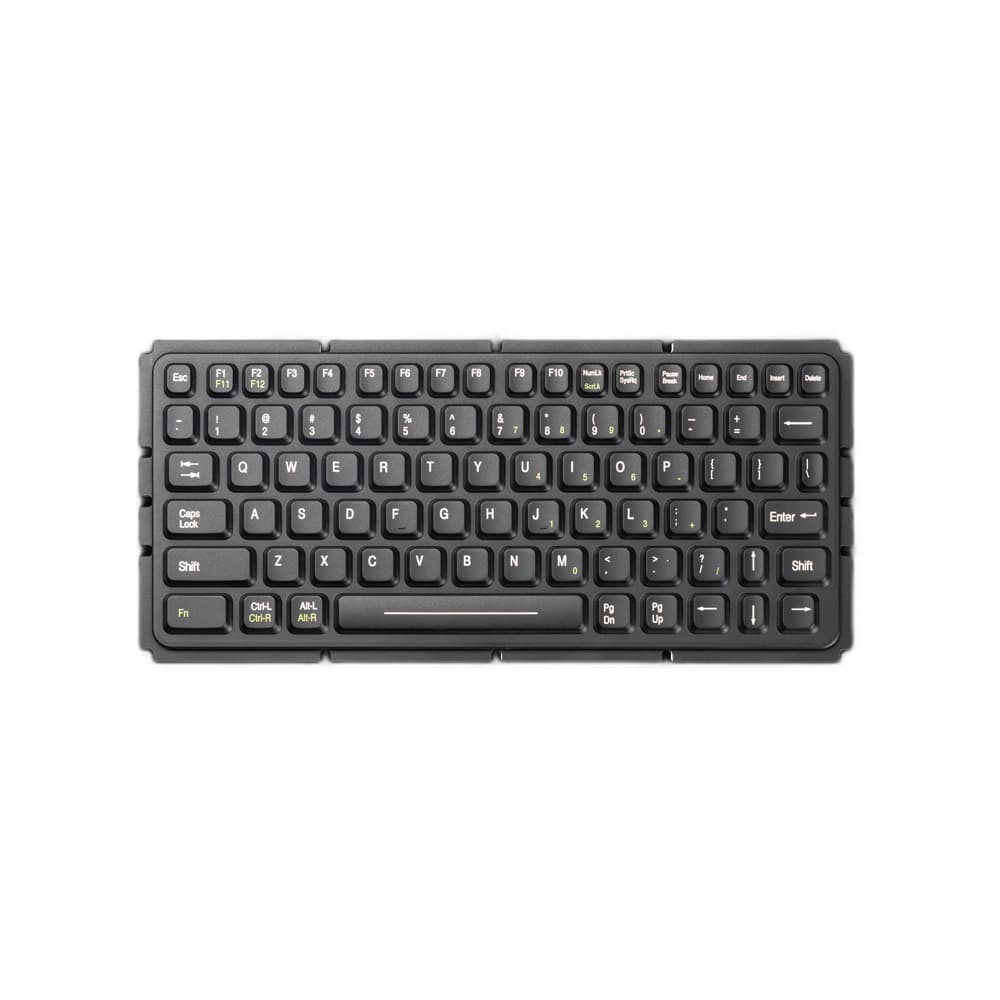
Sealed silicone keyboard models for washable, medical, lab, and compact industrial input-device projects.

Thin membrane keyboard models for control panels, compact HMIs, and custom overlay requirements.

Hazardous-area keyboard models where documentation, ratings, and markings are confirmed during RFQ.

Marine, rackmount, drawer, and KVM keyboard models for vessel, control-room, and cabinet integration projects.
PATH 02
Use this path for cursor-control hardware in control rooms, machine panels, public terminals, and operator stations where standard mice are unsuitable.
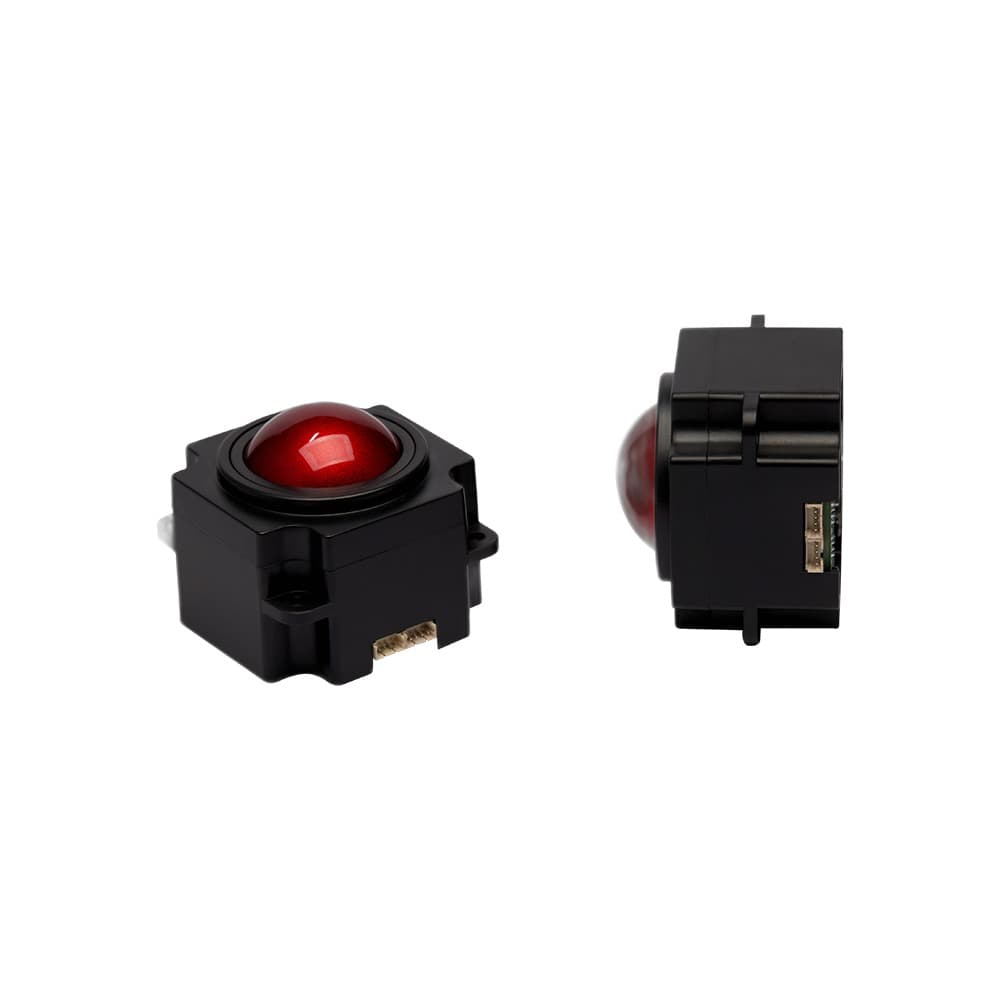
Trackball mice and modules for rugged workstations, gloved operation, panel integration, and sealed pointing control.

Touchpad mouse and module options for sealed panels, compact consoles, and industrial cursor control.

Rugged industrial mouse models for metal, wireless, fingertip, and hazardous-area input-device applications.
PATH 03
Choose this path for equipment builders, OEMs, and integrators who need custom legends, drawings, layouts, housings, or integrated console fit checks.

Custom keyboard and integrated input-device models for OEM projects that need drawings, legends, and fit checks.
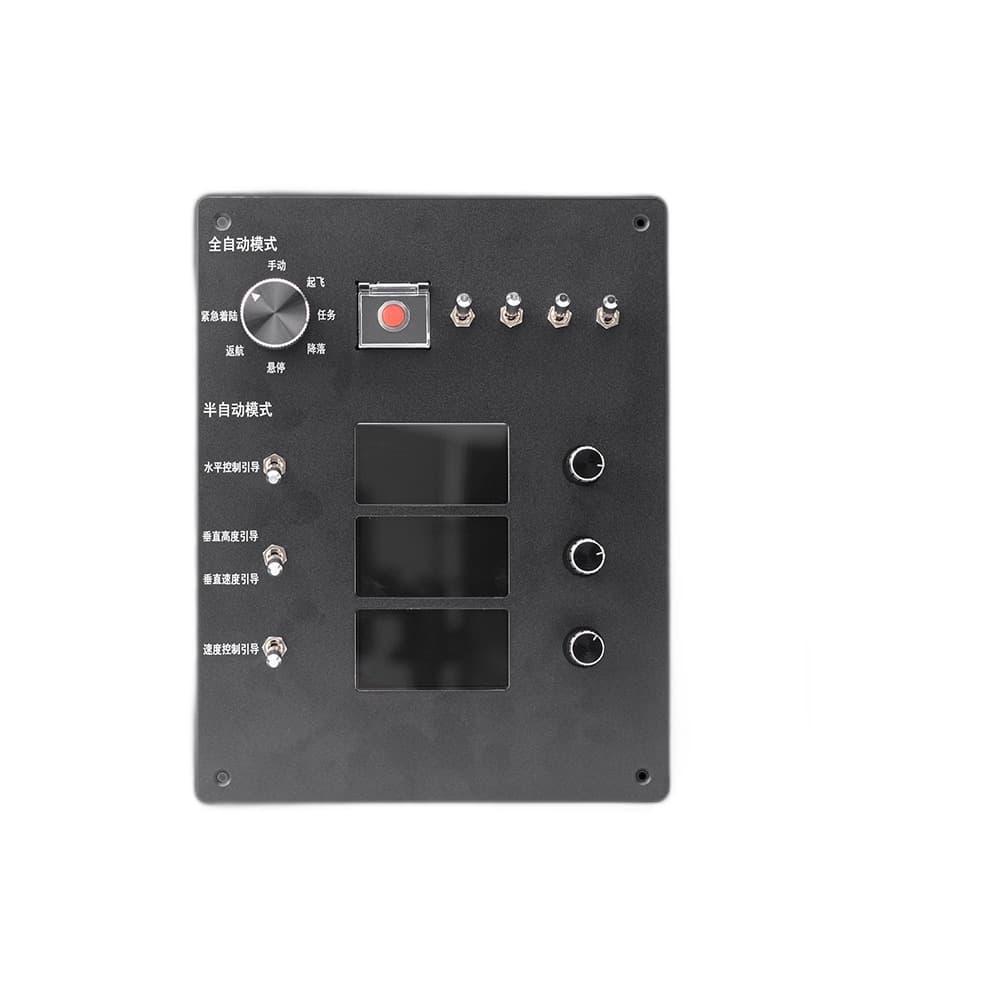
Custom consoles, operator panels, handheld controllers, and mining or automation control interfaces.
PATH 04
Use this supporting path for conversion, isolation, control accessories, and integration hardware around industrial input-device systems.
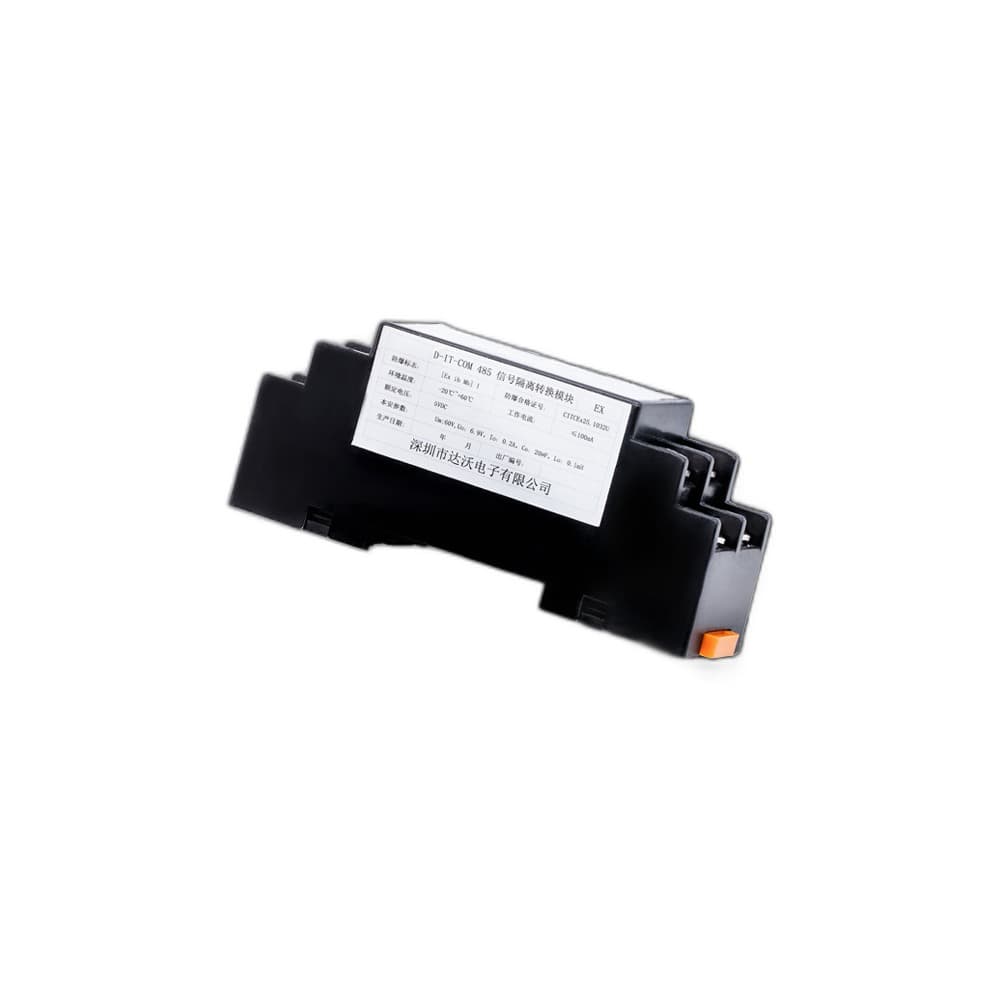
Signal isolation, conversion, safety-barrier, and interface accessory models for industrial control systems.
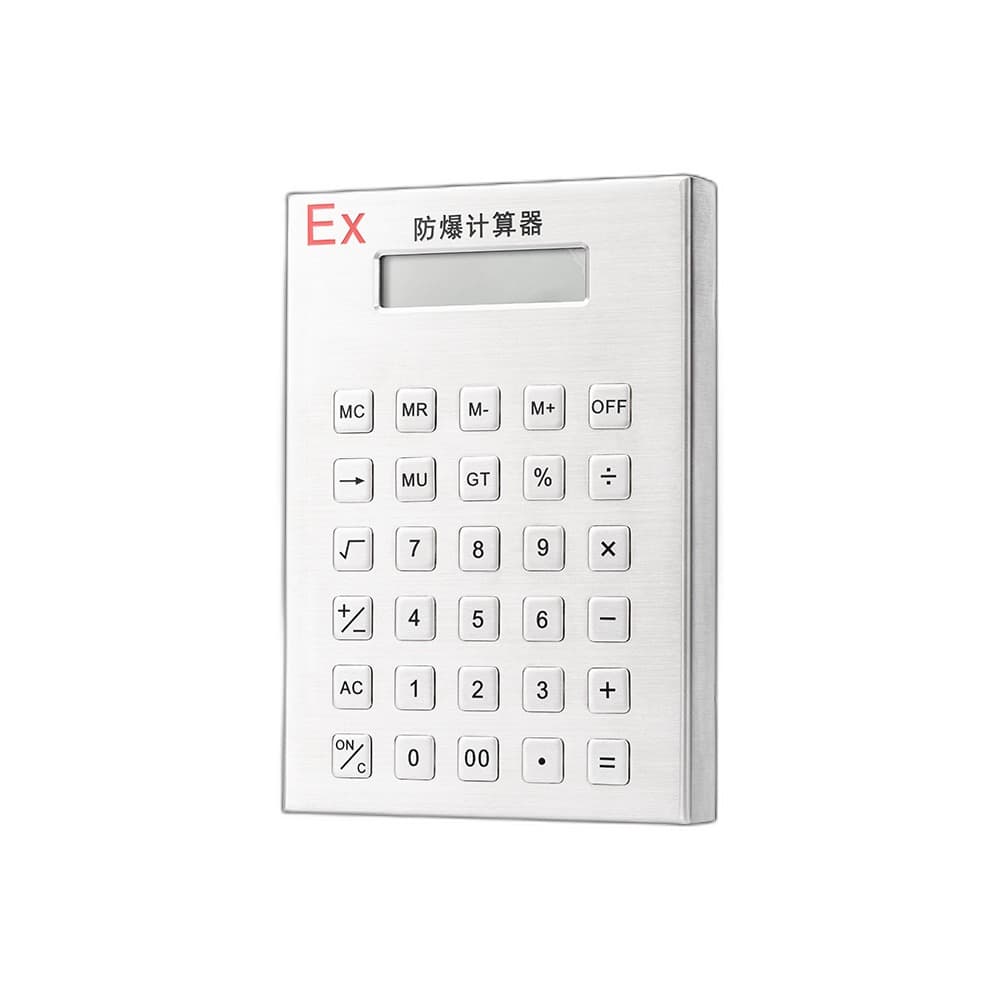
Specialized calculators, vehicle terminals, and accessory products that support rugged control installations.
CATEGORY PAGES DO THE MODEL WORK
The next layer of the catalog carries model lists, comparison cues, datasheet state, and request-quote actions. This keeps the aggregate page from looking like a SKU selection screen.